Steps to add Outlook email on your iPhone
- Download Microsoft Outlook from the Apple app store
- Open the Outlook app
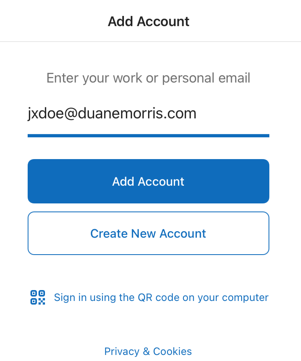
- Enter your email address and tap add account
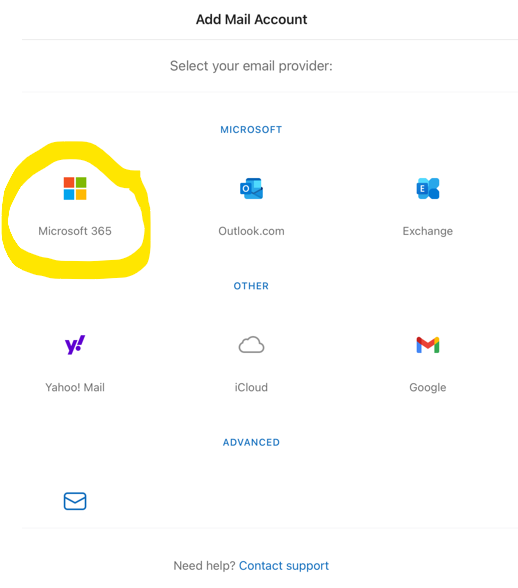
- If prompted select Microsoft 365
- Say maybe later to adding another account.
- Say OK to the "your organization is now protecting your data".
- Close and reopen outlook.